








Generator
Geschichte
KI-Grundrissgenerator
Änderungswerkzeug
Modell
Basic
Wechseln
Räume
Schlafzimmer
-
2
+
Badezimmer
-
1
+
Küche
offen
geschlossen
Bruttofläche
Einheit Metrisch
 imperial
Metrisch imperialBereich
< 50㎡
50-80㎡
80-100㎡
100-120㎡
120-150㎡
> 150㎡
Zusatzleistungen
Walk-in-Schrank
Waschküche
Lagerraum
Hauswirtschaftsraum
Homeoffice
Garage
Speisekammer
Wohn-Esszimmer-Kombination
Balkon

Design Your Dream Home with Our Free Online Home Plan Creator
Unleash your architectural vision with Ideal House's AI Floor Plan Generator. Quickly create professional 2D floor plans from simple inputs. Whether you're a homeowner dreaming big or a real estate professional needing fast visuals, our free online home plan creator makes designing intuitive and efficient. Transform ideas into detailed layouts in minutes, not hours.
Generate My Floor Plan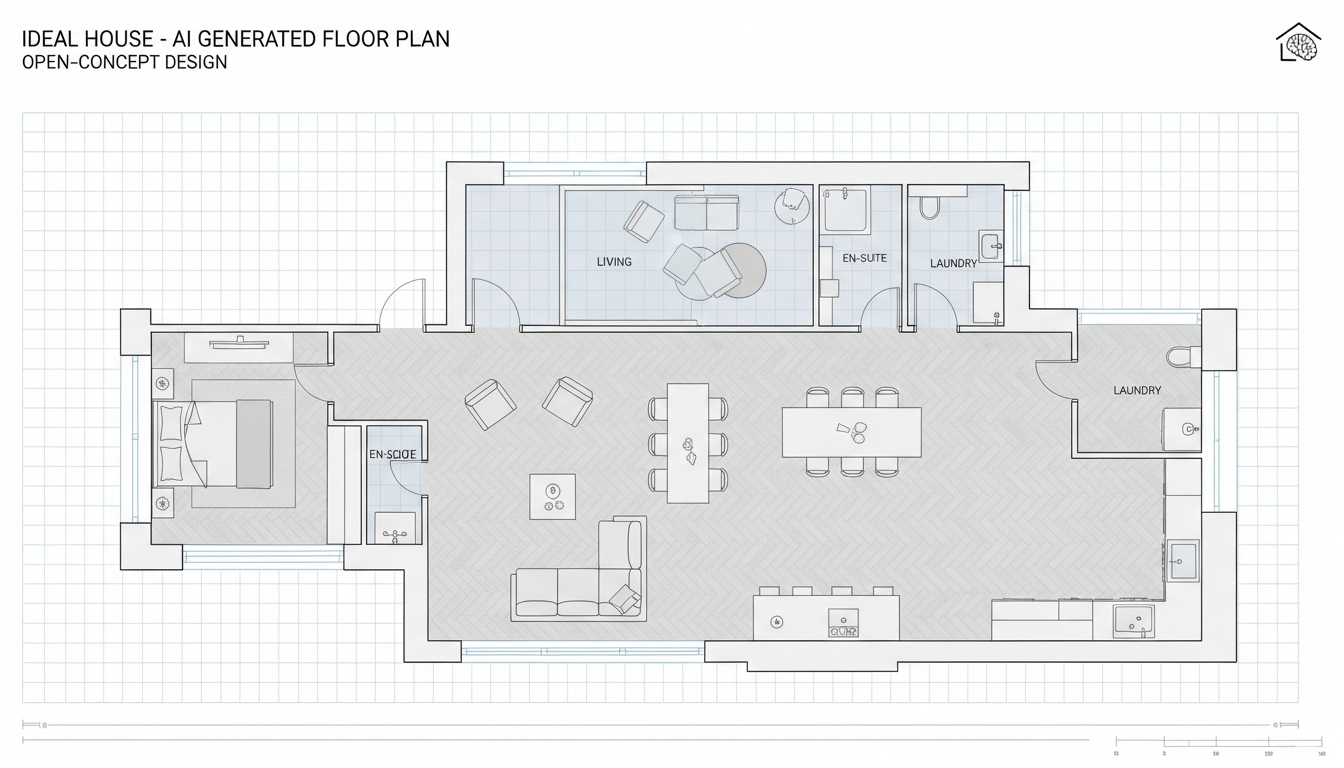


Why Ideal House is Your Go-To Free Online Home Plan Creator
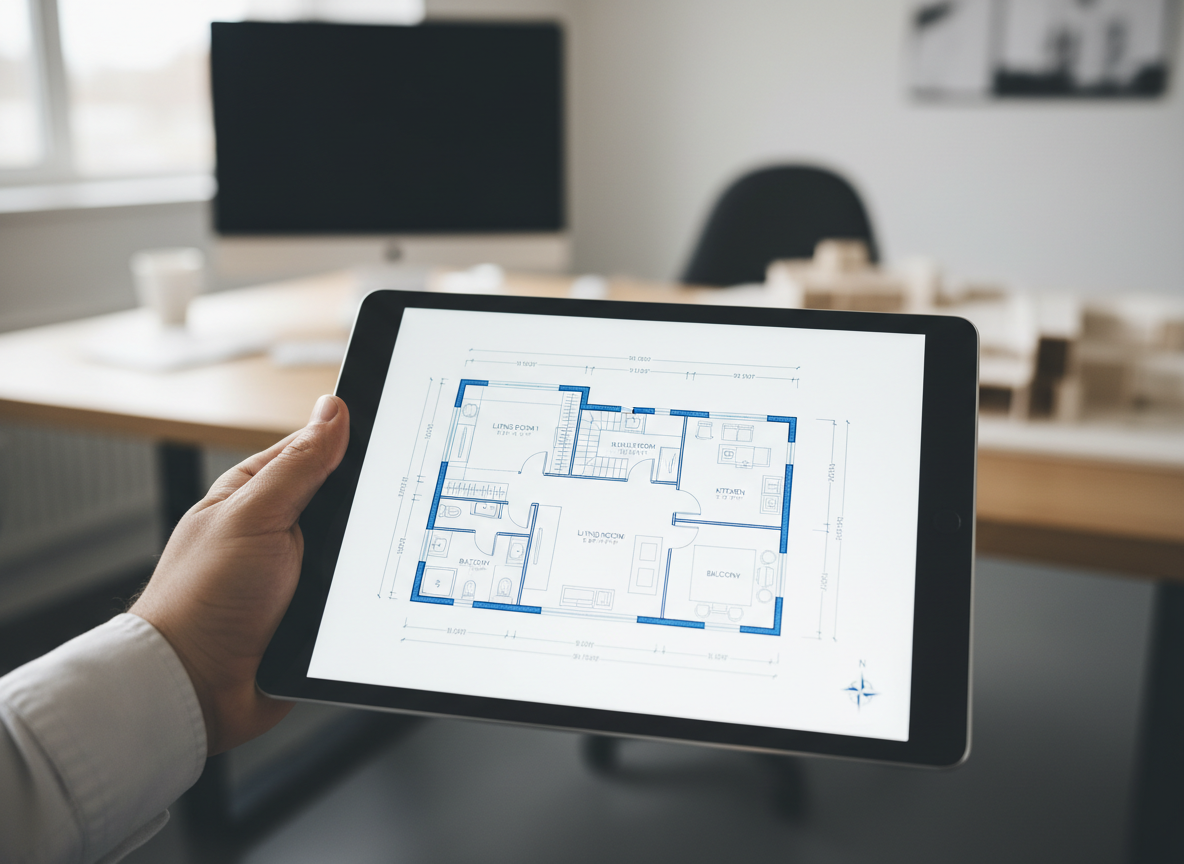
Instant 2D Floor Plans
Say goodbye to complex CAD software. Our AI floor plan maker generates clean, presentable 2D floor plans in seconds. Simply input your requirements like bedrooms, bathrooms, and kitchen style, and watch your vision come to life. This efficient process allows you to create floor plan online quickly, perfect for initial concepts or client presentations.

Unleash Creativity with Smart Parameters
Guide the AI with intelligent parameters. Define the number of bedrooms (0-4), bathrooms (1-3), choose an open or closed kitchen, and set your desired gross area. You can even add specific extras like a walk-in closet, home office, or balcony, making our free online home plan creator a powerful house layout planner for personalized designs.
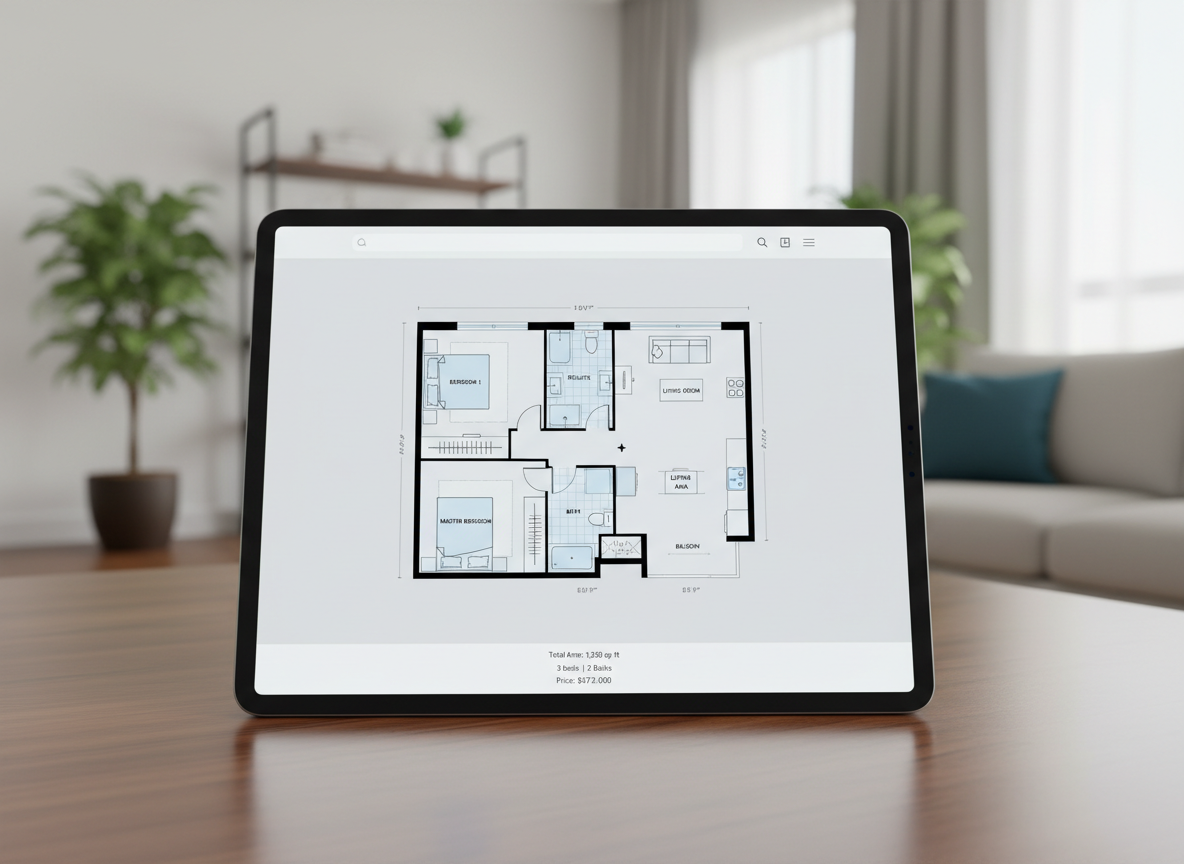
Visualize for North American Listings
Real estate professionals, rejoice! Generate consistent, high-quality 2D floor plans perfect for MLS listings across North America. Our tool helps buyers instantly grasp the layout and flow of a property, enhancing your presentations and attracting more interest. This is the home design software free solution you've been looking for.
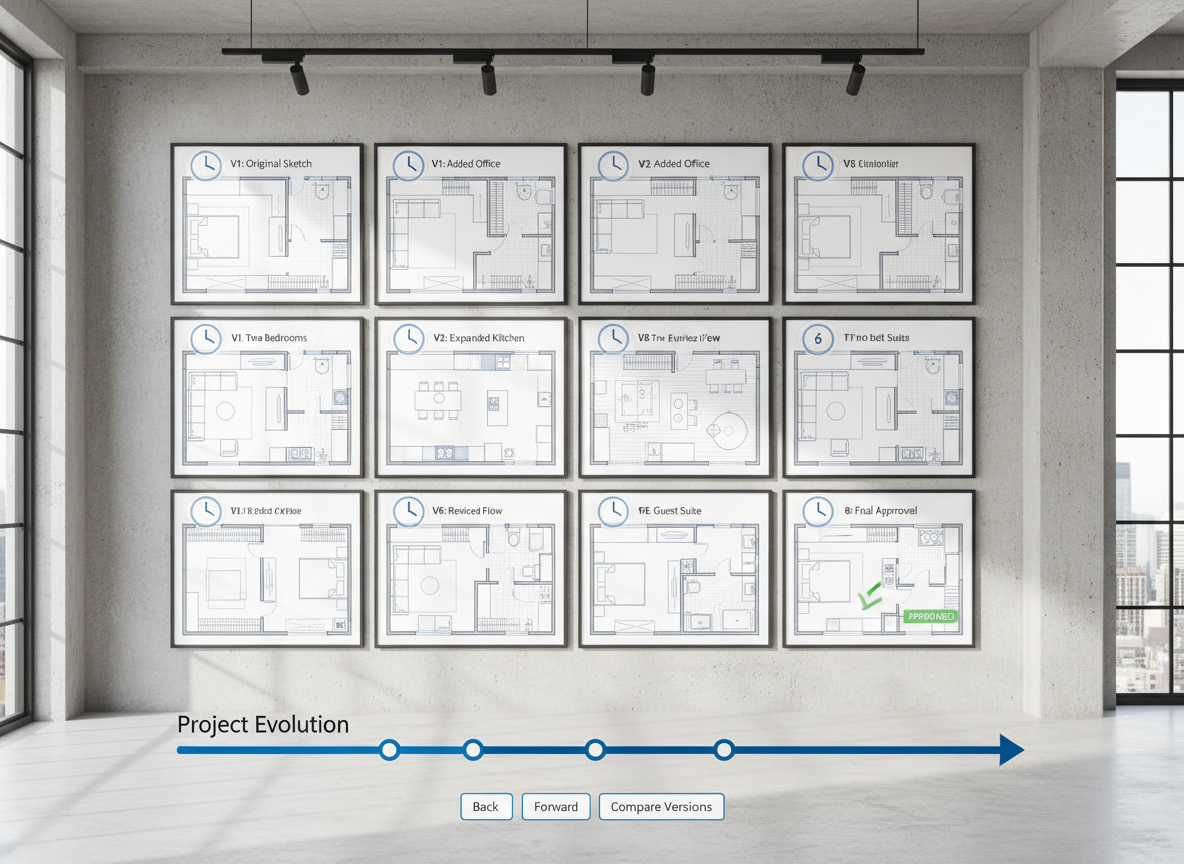
Track & Refine Your Designs
Every floor plan you generate is saved in your history, making it easy to compare and iterate. Use filters to review different versions and refine your design until it's perfect. This digital home planner ensures you always have access to your architectural drawing app creations, helping you make informed decisions effortlessly.

Who Can Benefit from Our Free Online Home Plan Creator?

Homeowners planning renovations or new builds, needing to visualize their ideal living space.

Interior Designers and Decorators, generating quick concepts for clients or iterating on designs.

Real Estate Agents and Brokers, creating professional 2D floor plans for property listings.

Contractors and Consultants, translating verbal briefs into clear visual layouts for project alignment.

How to Use Ideal House's Free Online Home Plan Creator
1
Set Rooms: Choose your desired number of bedrooms (0-4) and bathrooms (1-3) to begin defining your space.
2
Choose Kitchen Style: Decide between an open or closed kitchen layout, influencing the overall flow of your home.
3
Pick Gross Area: Select a gross area range that best matches your target footprint, guiding the proportion and scale of your rooms.
4
Add Extras: Multi-select features like a walk-in closet, laundry room, home office, garage, or balcony to tailor your plan.
5
Generate & Review: Click 'Generate' to instantly create your 2D floor plan. Review and tweak parameters to refine your design, leveraging the capabilities of this powerful floor plan maker free.
6
Download & Share: Export your chosen plan as an image or PDF, ready to share with stakeholders or integrate into your listings.
Frequently Asked Questions About Our Free Online Home Plan Creator
How does the AI turn my selections into a floor plan?
Our AI floor plan generator interprets your inputs—beds, baths, kitchen type, gross area, and extras—then applies smart algorithms based on common architectural principles to draft a clear 2D floor plan. Each generation provides a fresh concept you can refine, making it a truly intelligent online floor plan designer.
What are the available ranges for rooms and features?
You can select 0-4 bedrooms (default 2), 1-3 bathrooms (default 1), and toggle between open or closed kitchens (default open). Gross area is selected from predefined bands, and extras like walk-in closets or home offices can be multi-selected to build floor plan online efficiently.
How does 'Gross Area' influence my floor plan?
The selected gross area band guides the overall scale and footprint of your design, ensuring that rooms and corridors are proportioned appropriately for the chosen size. Selecting the closest band yields the most realistic and usable layout from our virtual floor plan creator.
What's the difference between an open and closed kitchen in the generated plans?
An open kitchen typically promotes a continuous sightline and smoother flow between living and dining areas. A closed kitchen, conversely, creates a more defined, separate cooking zone. Our free online home plan creator intelligently adjusts the layout based on your preference.
Can I compare different versions of my floor plan?
Absolutely! Every 2D floor plan generated is automatically saved to your 'Generation History.' You can use the 'Created with AI Floorplan' filter and switch between grid or list views to easily compare and select your preferred design. It's a comprehensive house layout planner.
Enhance Your Design Workflow with Ideal House Tools
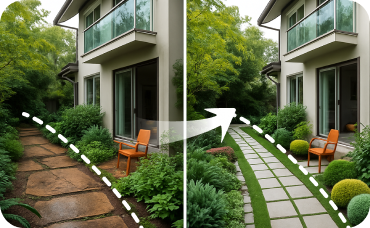
Landscaping
Design the perfect garden, patio, and pathways to complement your newly designed facade.
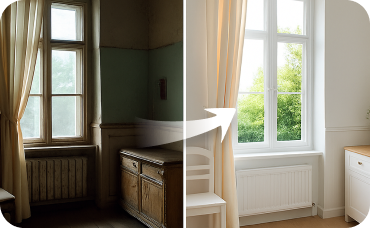
Interior Remodel
Continue the Urban Industrial style inside by redesigning your living room, kitchen, and more.
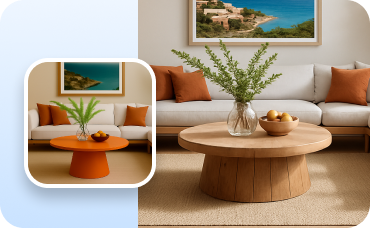
Change Furniture
Swap, add, or remove specific pieces of furniture in any room with precision.
Ready to Design Your Space?
Experience the fastest, most intuitive free online home plan creator. Get started with Ideal House today!
Generate My Floor Plan
💰 Holen Sie sich 10% Provision als Partner von Ideal House.
Schließen Sie sich an